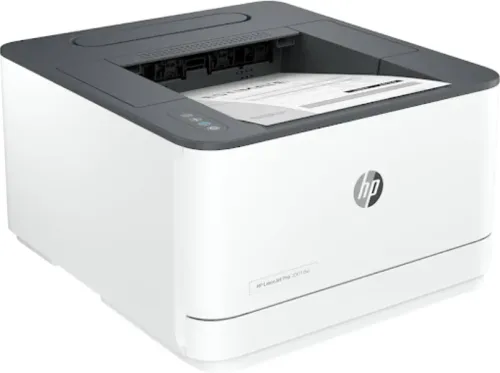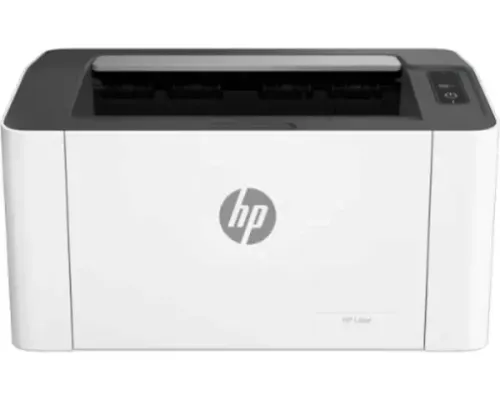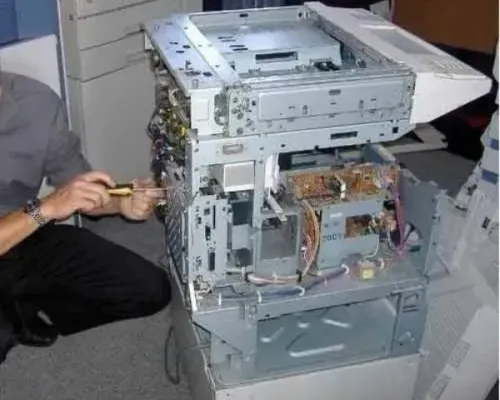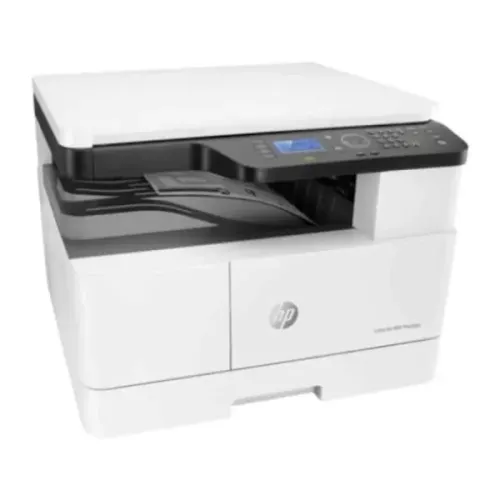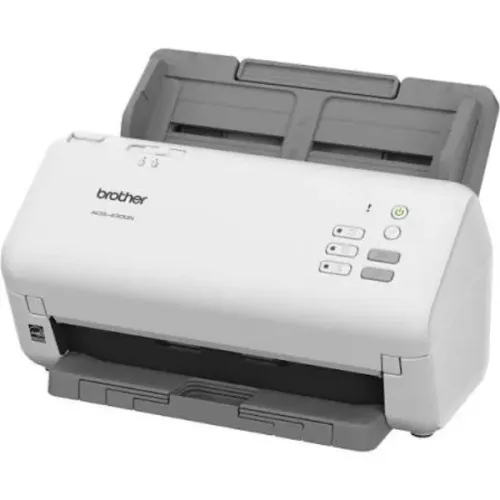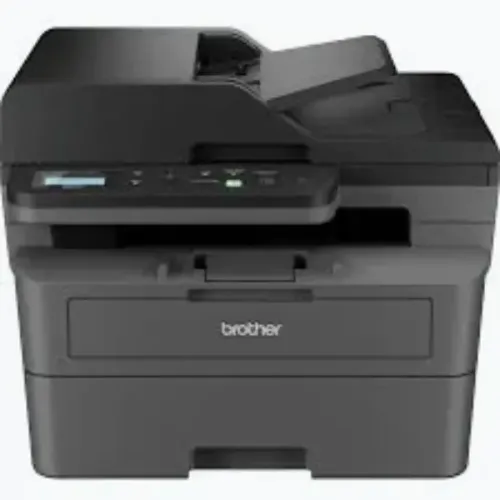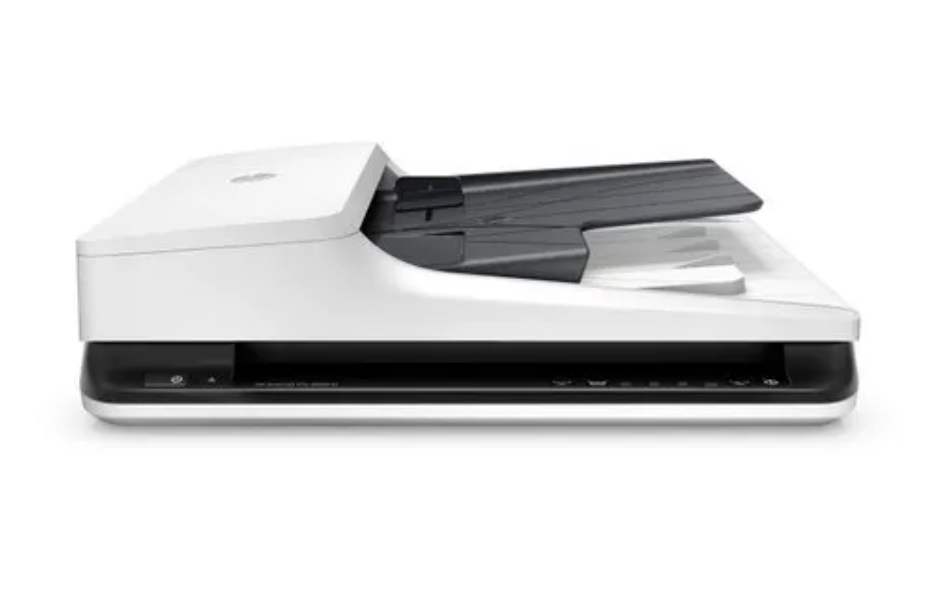
Bulk document scanning can become inefficient when employees must place every page individually on a scanner.
For businesses processing invoices, application forms, personnel records and archived documents, an automatic document feeder can significantly reduce manual handling.
However, A4 ADF Scanners Rentals should be evaluated carefully because scanning speed alone does not determine project efficiency.
Understanding A4 ADF Scanner Functionality
An A4 automatic document feeder scanner is designed to process suitable documents through a feeding mechanism.
Employees place a stack of documents into the feeder, allowing the machine to capture pages sequentially.
Depending on the model, the scanner may support single-sided or double-sided scanning.
This functionality is particularly useful when documents are reasonably uniform in size and condition.
However, automatic feeders may not be appropriate for every document.
Fragile records, photographs, bound materials and irregularly shaped paperwork may require alternative scanning methods.
Check Feeder Capacity Before Renting
Feeder capacity indicates how many sheets can be loaded at one time under specified conditions.
A larger feeder can reduce the frequency of manual reloading.
However, feeder capacity should not be confused with recommended daily scanning volume.
A scanner may hold 100 sheets in its feeder while being designed to process substantially more pages throughout a working day.
Both specifications matter.
Calculate Realistic Scanning Productivity
Consider a hypothetical project involving 30,000 pages.
If the scanner processes an effective average of 40 pages per minute, the theoretical scanning time is approximately 750 minutes.
That equals 12.5 hours of continuous scanning.
In practice, the project will take longer because employees must prepare documents, load batches, verify images and resolve feeding issues.
A realistic schedule should account for these additional activities.
Organisations should also distinguish pages per minute from images per minute when comparing duplex scanner specifications.
Evaluate Document Quality Requirements
Not every scanning project requires identical image settings.
Ordinary office records may be captured at 300 dpi, while certain detailed documents may require higher resolution.
Colour scanning may be necessary when the original document contains information that cannot be preserved adequately in monochrome.
Businesses should also consider:
- Automatic blank-page detection
- Image deskewing
- Double-feed detection
- File compression
- Searchable PDF support
- Compatibility with document management software
These features depend on the scanner model and associated software.
Avoid Common Document Feeding Problems
Automatic feeders work best with properly prepared paperwork.
Before loading documents, employees should remove staples, straighten folded pages and separate damaged sheets.
Mixed paper sizes may require special handling.
Overloading the feeder can cause misfeeds, while unsuitable paper may damage the equipment.
Regular cleaning and maintenance should follow the manufacturer's recommendations.
Applications Across Business Sectors
Corporate offices in Bangalore may use A4 ADF scanners for invoice processing and administrative records.
Educational institutions may digitise admission forms and student documentation.
Healthcare organisations may process authorised administrative records while maintaining appropriate confidentiality controls.
Across Karnataka, businesses undertaking document conversion projects should match scanning equipment with document volume and record-management requirements.
Frequently Asked Questions
Are A4 ADF Scanners Rentals Suitable for Double-Sided Documents?
Many ADF scanners support duplex scanning, but this capability must be confirmed for the selected model.
Can ADF Scanners Handle Old Documents?
Some older documents can be scanned through automatic feeders, but fragile, torn or irregular paperwork may require flatbed scanning.
How Many Pages Can an ADF Scanner Process Daily?
Daily capacity varies by model. Businesses should check the manufacturer's recommended daily scanning volume.
Preparing for Successful Bulk Scanning
An efficient scanning project requires suitable equipment and organised document handling.
Before selecting a rental scanner, estimate document volumes, inspect paper condition and define output requirements.
A carefully planned workflow can reduce rescanning, prevent avoidable equipment interruptions and improve the usability of digital records.
Keywords