A busy office may produce hundreds of document copies without employees giving much thought to the equipment involved. Invoices, agreements, training materials, identification records and administrative forms all contribute to daily photocopying demand.
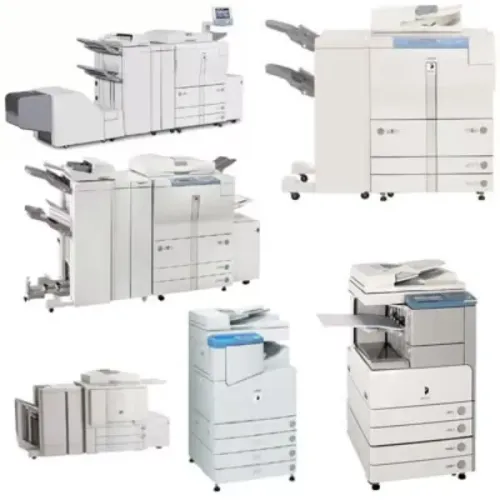
When document volumes increase, an ordinary desktop printer may no longer be sufficient. This is where a photocopier on rent becomes relevant, particularly for organisations that need dedicated copying capacity without purchasing additional office equipment.
Understanding photocopier functionality helps businesses determine which features are necessary and which may add unnecessary costs.
What Makes an Office Photocopier Different?
A photocopier is designed to reproduce physical documents efficiently.
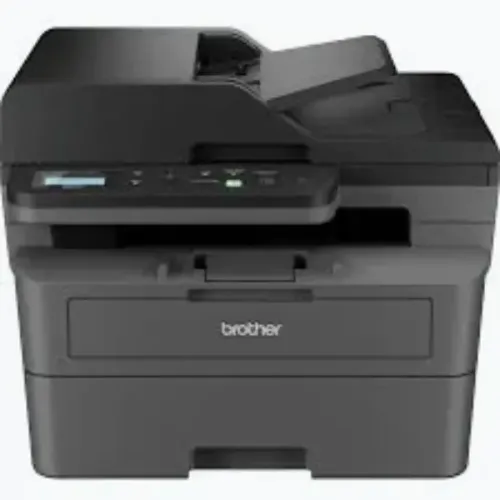
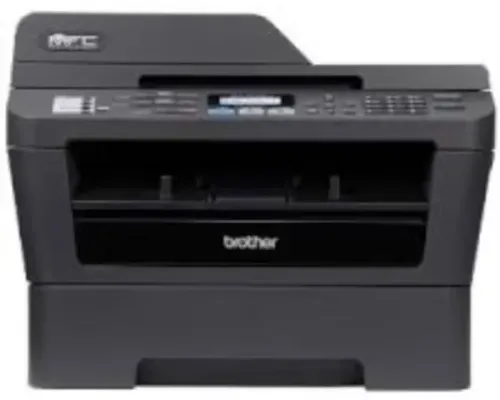
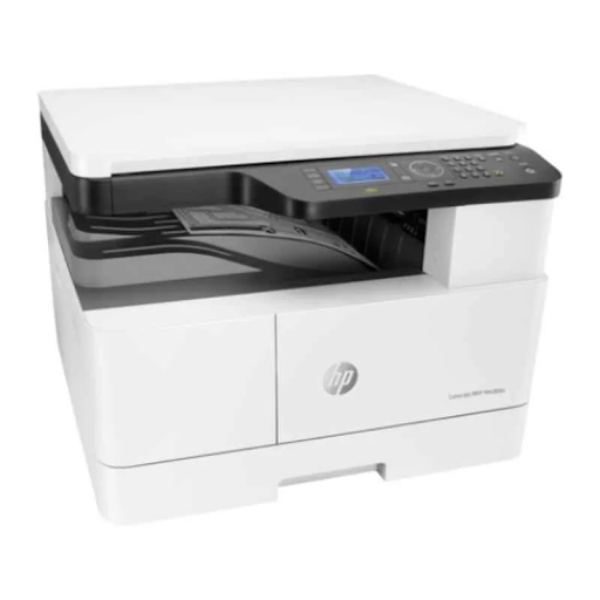
Modern digital photocopiers may also provide printing and scanning functions, depending on the model.
Unlike basic personal printers, office photocopiers often offer features intended for shared workplace use.
These may include:
- Automatic document feeders
- Multiple paper trays
- Double-sided copying
- Document enlargement and reduction
- Collation of multipage documents
- Network connectivity
- User access controls
- High-capacity paper handling
Not every rented photocopier includes these capabilities. Equipment specifications should be checked individually.
Understanding Copying Volume
Copying volume is one of the most important factors in photocopier selection.
A small office producing 500 copies monthly has different requirements from a college administration department producing several thousand copies during examination periods.
Organisations should calculate their approximate monthly copying demand and identify peak usage periods.
A useful assessment includes:
- Average daily copies
- Maximum copies required during busy periods
- Number of employees sharing the machine
- Percentage of double-sided documents
- Required paper sizes
- Colour copying requirements
This information helps determine suitable equipment capacity.
Why Automatic Document Feeders Matter
Copying a single document is straightforward.
Copying a 100-page file manually can become time-consuming.
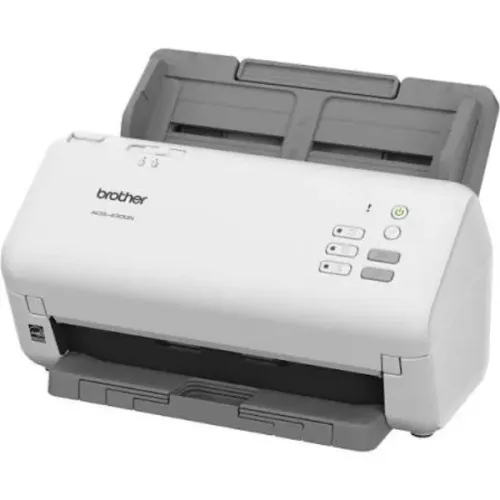
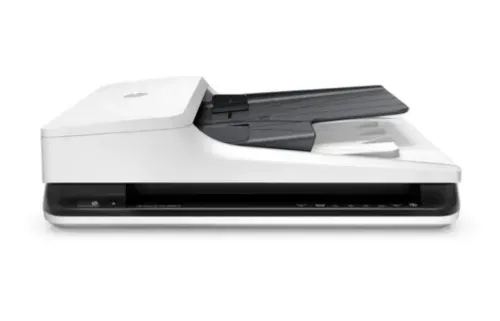
An automatic document feeder allows employees to load multiple sheets for sequential processing.
Some machines also support automatic duplex document feeding, enabling both sides of suitable originals to be captured.
This can improve convenience when processing contracts, reports and administrative records.
However, damaged documents, unusual paper sizes and delicate originals may require manual handling.
How Photocopier Rentals Affect Office Space
Office equipment occupies valuable workspace.
A multifunction photocopier can sometimes replace several separate devices, depending on employee requirements.
Before installing equipment, organisations should consider:
- Available floor space
- Electrical requirements
- Network access
- Paper storage
- Ventilation recommendations
- Employee movement around the machine
Large shared machines should be positioned where authorised employees can access them without interrupting nearby workstations.
Managing Confidential Documents
Photocopiers frequently process sensitive information.
Corporate contracts, employee records, financial statements and patient-related paperwork may require controlled access.
Businesses should establish procedures for collecting printed documents promptly and preventing unauthorised copying.
Where supported, secure printing and user authentication can provide additional protection.
Equipment containing internal storage should also be handled appropriately when returned or replaced.
Local Applications for Photocopier Rentals
Bangalore's business environment includes corporate offices, educational institutions, manufacturing administration departments and professional service firms.
Across Karnataka, organisations with substantial documentation requirements may use photocopier rentals for routine operations, temporary offices and project-based workloads.
For educational institutions, copying demand may increase around examinations.
Corporate organisations may experience peaks during compliance reviews and annual reporting.
Selecting equipment around these patterns can improve operational planning.
Frequently Asked Questions
Can a Photocopier on Rent Also Print Documents?
Many modern digital photocopiers offer printing functionality, but this depends on the model and configuration.
Is Colour Photocopying Available With Rental Machines?
Colour photocopiers may be available through certain providers. Organisations should confirm colour capability and associated usage charges.
What Happens When a Rented Photocopier Develops a Fault?
The procedure depends on the rental agreement. Technical support, repair responsibilities and replacement arrangements should be established before installation.
Choosing Equipment Based on Real Usage
The value of a rented photocopier depends on whether it can manage daily workloads consistently.
Rather than selecting the largest available machine, businesses should evaluate copying volume, document types, user access and maintenance requirements.
A photocopier that fits the workplace can support efficient documentation without creating unnecessary equipment expenditure.
Keywords