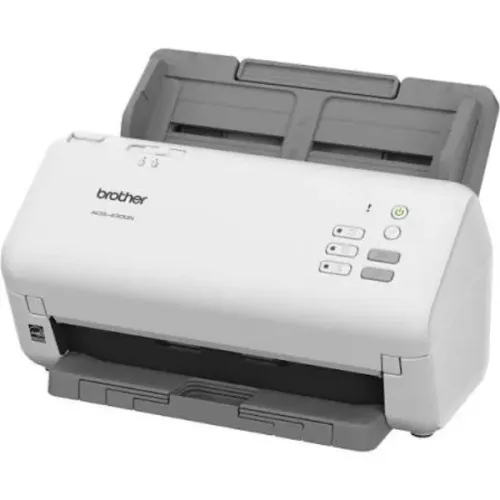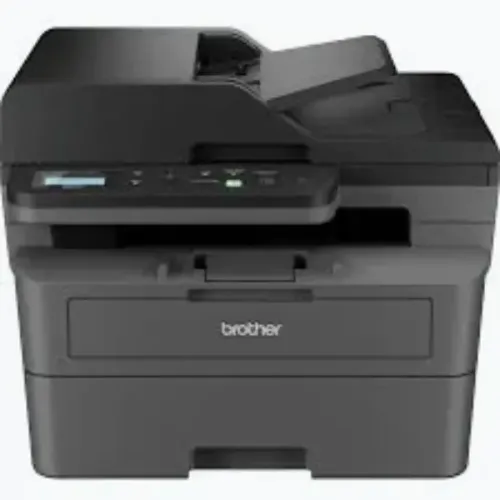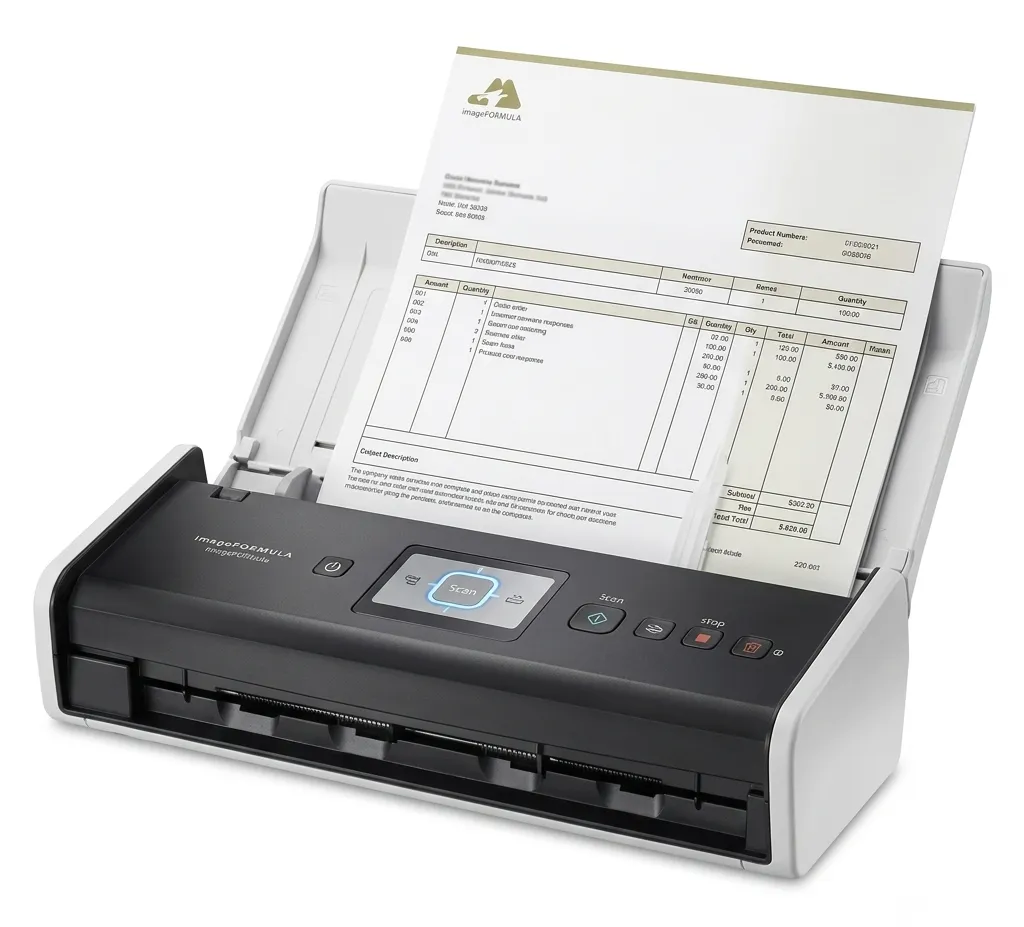
Scanning is no longer limited to connecting a device directly to one desktop computer. Modern workplaces often have shared teams, laptops, wireless networks, flexible seating, and employees who need to capture documents from different areas of an office. WiFi scanners can support this environment by reducing dependence on fixed cable connections.
For businesses and institutions in Bangalore, wireless scanning can be particularly useful where several employees regularly convert physical paperwork into digital files.
What Makes Wireless Scanning Useful
A traditional USB scanner generally depends on a direct connection with a particular workstation. That setup can work well for individual users, but it becomes restrictive when several people need the device.
A compatible wireless scanner can connect through the workplace network, allowing authorised users to access scanning functions without repeatedly changing physical connections.
Depending on the model and software environment, scanned files may be directed to computers, network destinations, email workflows, or other configured locations.
Workplaces That Can Benefit
Wireless scanning can support several types of environments.
Corporate administration teams can digitise invoices, contracts, correspondence, and employee records. Educational institutions can process admission forms and academic documents. Clinics and healthcare facilities may need to digitise administrative paperwork. Financial organisations often process customer documentation and internal records.
The advantage is not simply removing a cable. It is creating a more accessible scanning point for teams that regularly share document-processing responsibilities.
Network Planning Still Matters
Wireless capability does not automatically guarantee a smooth workflow.
Before installing WiFi scanners, businesses should evaluate network coverage, device compatibility, security requirements, user permissions, and expected scanning volume.
A busy department scanning hundreds of pages every day may need a dedicated high-speed document scanner rather than a compact wireless model intended for lighter workloads.
The office network also needs stable coverage in the area where the scanner will be installed.
Security Should Be Part of Setup
Scanned documents may contain confidential business information, employee details, financial records, customer information, medical paperwork, and other sensitive data.
Organisations should therefore configure wireless devices within their existing security policies. Appropriate network access, authentication, destination controls, software updates, and user permissions can help reduce unnecessary exposure.
The exact controls required will depend on the organisation and the scanner model being used.
Think About the Entire Workflow
Businesses sometimes focus on how quickly a scanner captures a page while overlooking what happens afterwards.
Employees need to know where the scanned file is stored, how it should be named, who can access it, and how it becomes part of the organisation's document management process.
A practical scanning workflow might involve:
- Preparing and organising physical documents
- Selecting the correct scanning profile
- Capturing single-sided or duplex pages
- Checking image quality
- Saving files to an approved destination
- Naming and categorising records consistently
When these steps are clear, wireless access can contribute to a much smoother process.
Building a More Flexible Office Environment
Bangalore organisations increasingly operate with shared workspaces and network-connected office equipment. Wireless scanners can complement this environment when mobility and shared access are important.
Icon Copier Care supports office automation requirements across Bangalore, including scanning equipment suited to different workplace environments. When considering WiFi scanners, organisations should assess network compatibility, scanning volume, document security, and user access together. The best setup is one that fits naturally into existing document workflows rather than simply adding another connected device.
Keywords