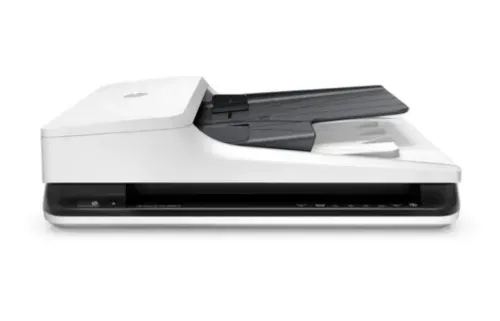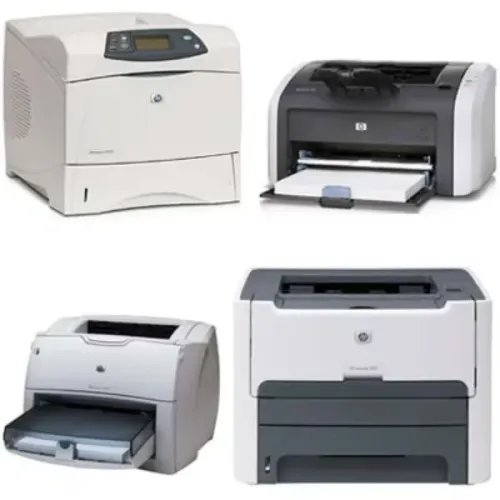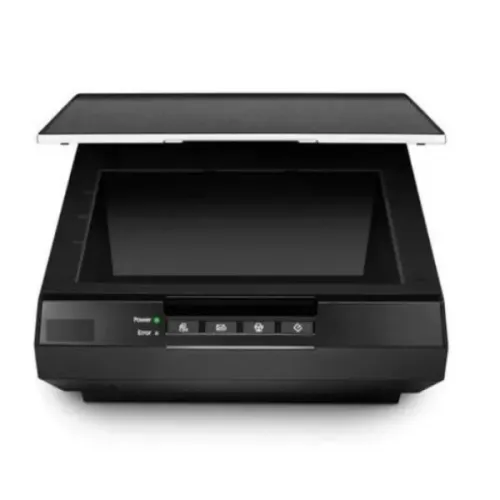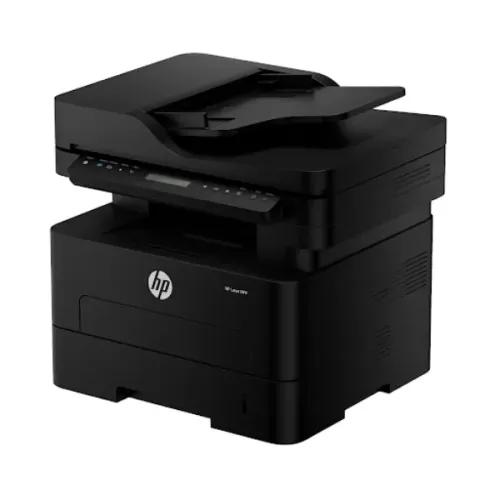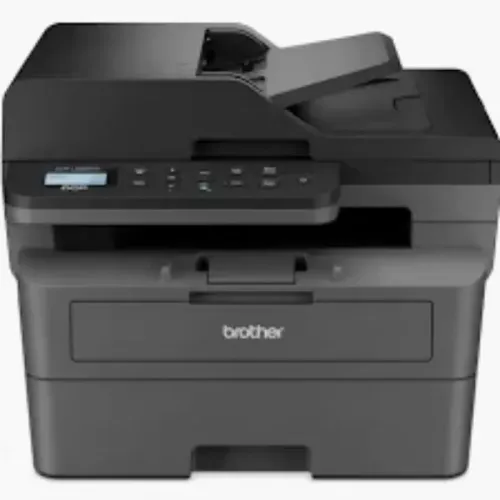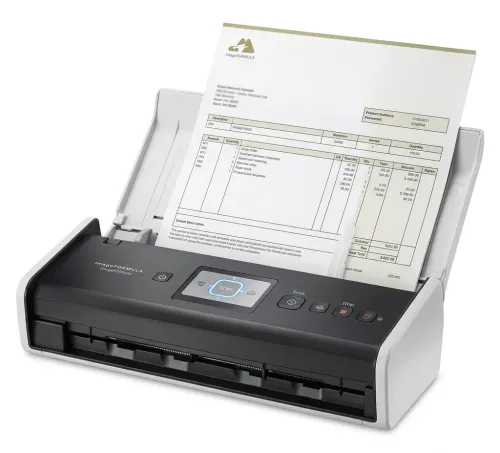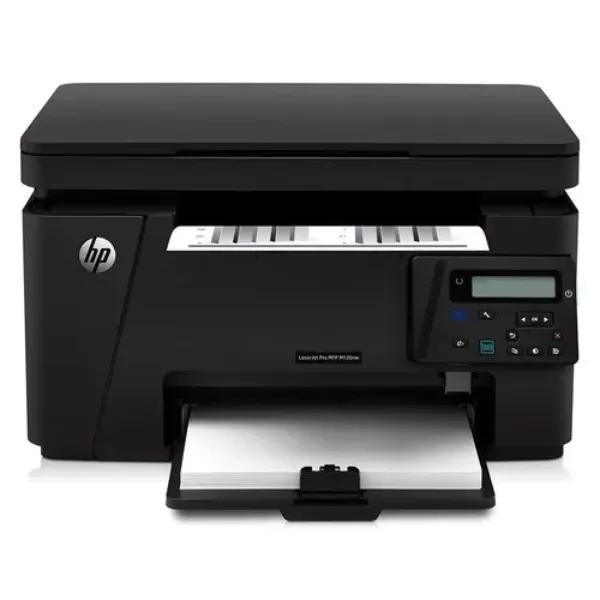
A shared printer may serve dozens of employees throughout the working day. When the device is slow, difficult to access, frequently disconnected, or unsuitable for the volume being produced, small delays accumulate across the organisation.
A Laserjet Wireless Printer can be a practical option for workplaces that need fast document output combined with flexible network access. However, the benefits depend on choosing equipment that matches the office environment.
Wireless Access Reduces Dependence on Fixed Connections
In traditional setups, employees may depend on a printer connected directly to one computer or positioned around fixed network cabling.
Wireless-capable printers can provide greater placement flexibility and allow compatible devices to connect through the organisation's network configuration.
This can be useful in modern offices where employees use laptops, shared desks, meeting areas, and multiple workstations.
Laser Printing Fits Document-Heavy Environments
Laser technology is widely used for business documents because it can support efficient text printing and substantial office workloads.
Departments producing invoices, reports, contracts, correspondence, educational material, internal forms, and administrative records may benefit from a business-grade laser printer.
Before choosing one, consider:
- Monthly page volume
- Monochrome and colour requirements
- Duplex printing
- Paper capacity
- Network compatibility
- Print speed
- Security features
- Number of users
These factors provide a more useful basis for selection than simply choosing the newest device.
Wireless Does Not Mean Security Can Be Ignored
A Laserjet Wireless Printer becomes another network-connected endpoint within the workplace.
Businesses should configure the device according to internal IT policies. Appropriate network security, user permissions, firmware management, and access controls can help ensure that convenience does not undermine document security.
Some organisations may also benefit from secure-release printing, where documents are produced only after the authorised employee reaches the machine.
This can reduce confidential pages being left unattended in output trays.
Placement Influences Productivity
Printer placement is often overlooked.
A shared machine should be accessible enough to reduce unnecessary employee movement while being positioned where printing noise and queues do not disrupt focused work.
Large departments may benefit from multiple appropriately sized devices rather than one central printer serving an entire floor.
Usage data can help organisations decide whether printers are correctly distributed.
Consider Maintenance Alongside Connectivity
Wireless functionality solves connectivity challenges, but it does not remove the need for reliable maintenance.
Paper-feed components, toner systems, rollers, and other parts experience wear. High-volume environments should have a plan for maintenance and technical support.
For organisations in Bangalore's corporate, technology, education, banking, healthcare, and government sectors, service availability can influence the practical value of office printing equipment.
Build the Setup Around Users
A good office printer should become part of the workflow rather than an obstacle within it.
Icon Copier Care supports printer, copier, scanner, and office automation requirements across Bangalore, Karnataka. When selecting a Laserjet Wireless Printer, businesses should consider user numbers, network requirements, monthly volume, security, paper handling, and maintenance together. A well-matched device can support faster shared printing while keeping the office environment flexible and organised.
Keywords